
Kia Forte: Features of your vehicle / LCD windows
Over view
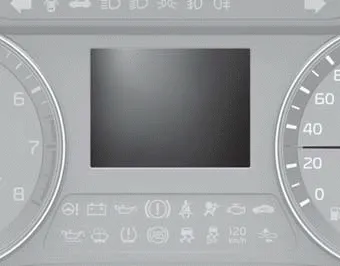
LCD windows show the following various information to drivers.
- Trip information
- LCD modes
- Warning messages
- Trip information (Trip computer)
- LCD Modes (For type B, C cluster)
- Service Mode
- User Settings Mode (For type B, C cluster)
Intelligent Variable Transmission This indicator displays which intelligent variable transmission shift lever mode is selected. Park :P Reverse : R Neutral : N Drive :D Sports Mode : 1, 2, 3, 4, 5, 6 Manual transmission shift indicator This indicator informs which gear is desired while driving to save fuel.
The trip computer is a microcomputer- controlled driver information system that displays information related to driving. ✽ NOTICE Some driving information stored in the trip computer (for example Average Fuel Economy) resets if the battery is disconnected.
Other information:
Kia Forte 2019-2024 (BD) Owner's Manual: Components of the Tire Mobility Kit (TMK)
1. Speed restriction label 2. Sealant bottle and label with speed restriction 3. Filling sealant and air hose from sealant bottle to wheel 4. Connectors and cable for the power outlet direct connection 5. Holder for the sealant bottle 6.
Kia Forte 2019-2024 (BD) Owner's Manual: Interior care
Interior general precautions Prevent chemicals such as perfume, cosmetic oil, sun cream, hand cleaner, and air freshener from contacting the interior parts because they may cause damage or discoloration. If they do contact the interior parts, wipe them off immediately.
Categories
- Manuals Home
- Kia Forte Owners Manual
- Maintenance
- Normal Maintenance Schedule - Non Turbo Models
- Engine coolant
- New on site
- Most important about car
